Route selection
Start automatically; choose a location manually only when the task calls for it.

Move from your desk to a hotel or home network without starting from scratch. Install the right client, make your first connection and check whether it improves the task at hand.
Start with automatic selection if you are unsure which location to use. If a call or game still stutters, compare a nearby server on the same network before changing anything else.

Test the devices you actually use and repeat a call or transfer at your busiest hour. Then compare the upfront charge and concurrent device limit, not just the monthly equivalent.
A steady ping matters more than the lowest number on the server list. Keep other downloads paused and compare two locations using the same game region.

On unfamiliar Wi-Fi, make a short test call and try opening a shared document. A speed test alone will not show whether your usual tools work reliably.

Start automatically; choose a location manually only when the task calls for it.
The app encrypts traffic sent through the tunnel.
Review the available disconnect protection on your platform.
The privacy notice distinguishes browsing activity from account and billing data.
Count devices you expect to use at once, not just everything you own.
If you need help, note your device, app version and the exact error.
Confirm your operating system before getting the installer.
Sign in or check whether you qualify for the new-user trial.
Connect, then repeat a call, page load or in-game latency check.
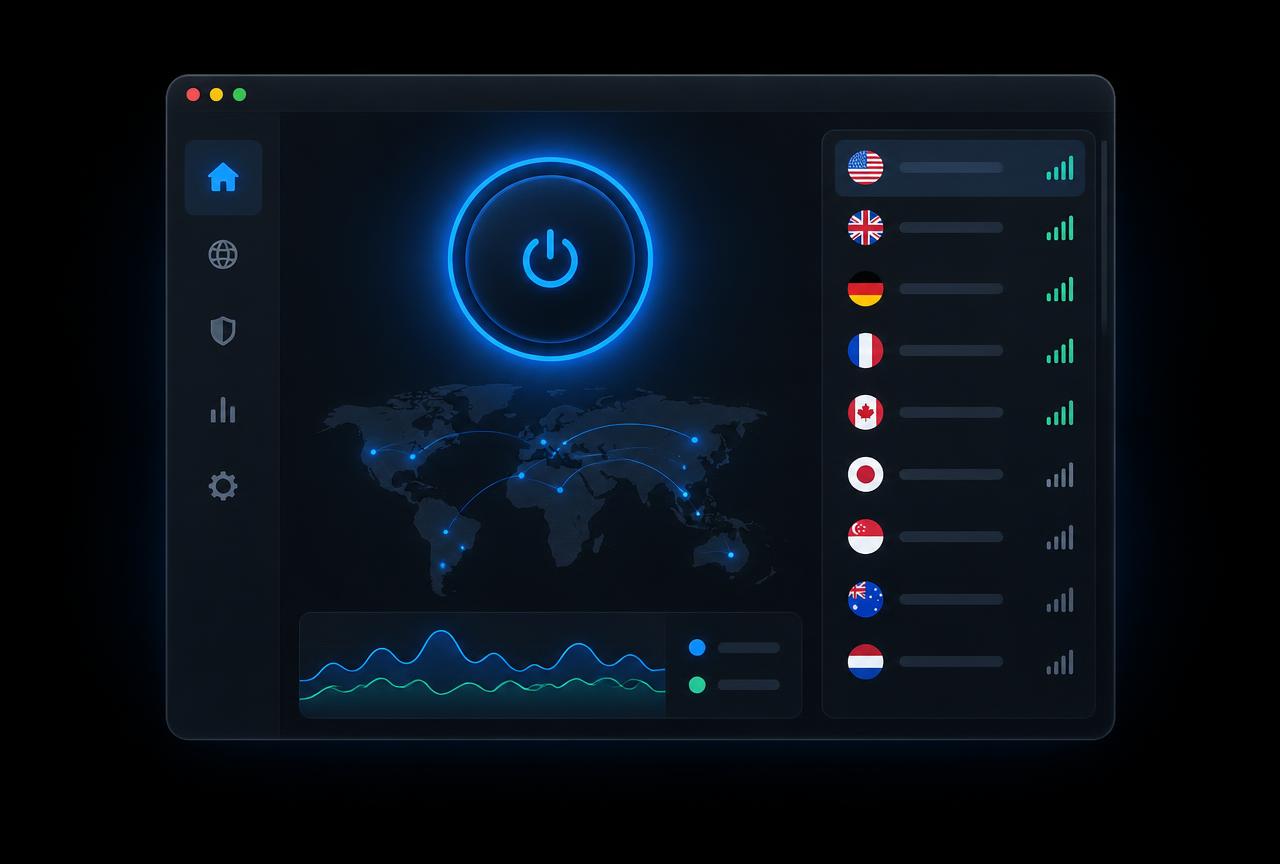
Use the same device and Wi-Fi for both runs. Moving between Wi-Fi and cellular makes the comparison less useful.
Try a call, file upload or ping check. Note where it stalls, rather than relying on a single peak speed.
Try another location only after your first test. Write down the network and location if you need to ask for help.
Check which devices need an app and which require manual configuration.
Compare concurrent connections and upfront costs before picking a term.
Separate a local Wi-Fi problem from a route problem before reinstalling.
Check your device first, or go straight to the installer if you already know which version you need.